Running Cobber alongside your existing system
A gradual move rather than a big switch — and why both platforms can send at once.
Quick answers
5 questions · click to openDo we have to move everything at once?
No. You don’t need to move everything across in one go, and you don’t need to move your email authentication the moment you start using Cobber. Both platforms can send and operate at the same time during an overlap period.
Won’t two systems sending email cause problems?
No — email authentication was designed for exactly this. Each provider signs with its own DKIM selector, Cobber’s bounce handling sits on its own subdomain, and your DMARC policy can stay exactly as it’s because both providers pass it independently.
Do we need to change our SPF record?
Generally not. Because Cobber uses a custom Return-Path, it usually doesn’t need a change to your main domain’s SPF at all.
When should we set up Cobber’s email authentication?
Whenever you like — it’s harmless. It sits quietly alongside your existing system and changes nothing until you start sending through Cobber, so there’s no reason to leave it until the end.
Is there a deadline to switch over?
No. Keep sending through your existing system for as long as you need. Nothing forces the final cutover until you choose it.
You do not need to move everything across in one go, and you do not need to move your email authentication the moment you start using Cobber. Both platforms can send and operate at the same time during an overlap period. This is the way we recommend transitioning — a gradual move rather than a big switch.
Why both can coexist
Email authentication was designed for exactly this. Turning Cobber on is additive — it doesn’t switch off your existing system’s email:
| Mechanism | What happens |
|---|---|
| DKIM | Each provider signs with its own selector, so multiple signing keys coexist with no conflict. Adding Cobber’s doesn’t touch your existing one. |
| Return-Path | Cobber’s bounce handling sits on its own subdomain, separate from anything your current system uses. |
| SPF | Because Cobber uses a custom Return-Path, it generally doesn’t need a change to your main domain’s SPF at all. |
| DMARC | A single policy for your domain. Both providers pass it independently, so your existing policy can stay exactly as it’s. |
A staged transition
-
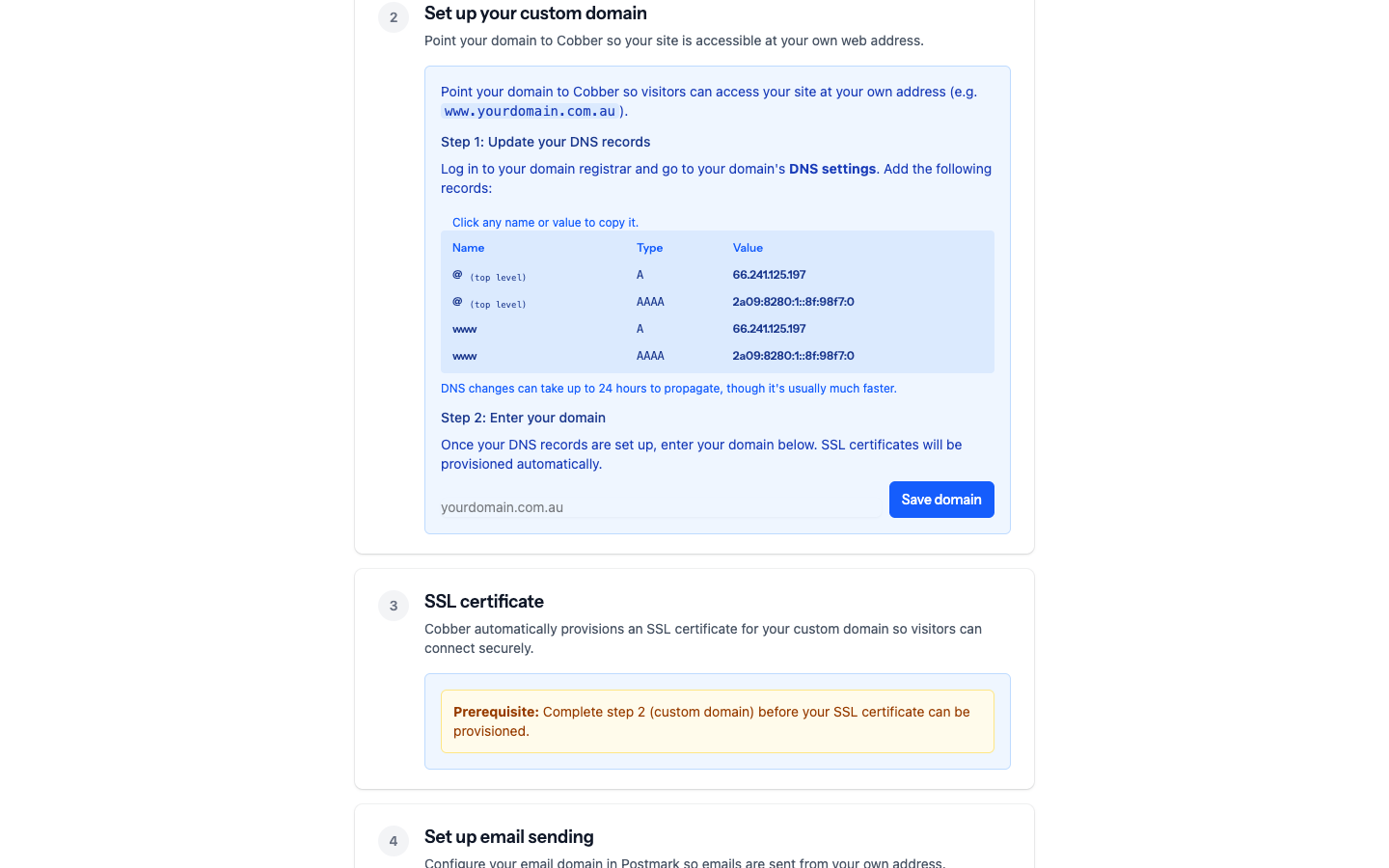
Start on a subdomain
Point a subdomain (e.g.
action.yourmovement.org.au) at Cobber and build your pages there. Your main site is untouched. -
Authenticate email early — it’s harmless
Set up Cobber’s email authentication whenever you like. It sits quietly alongside your existing system and changes nothing until you start sending through Cobber.
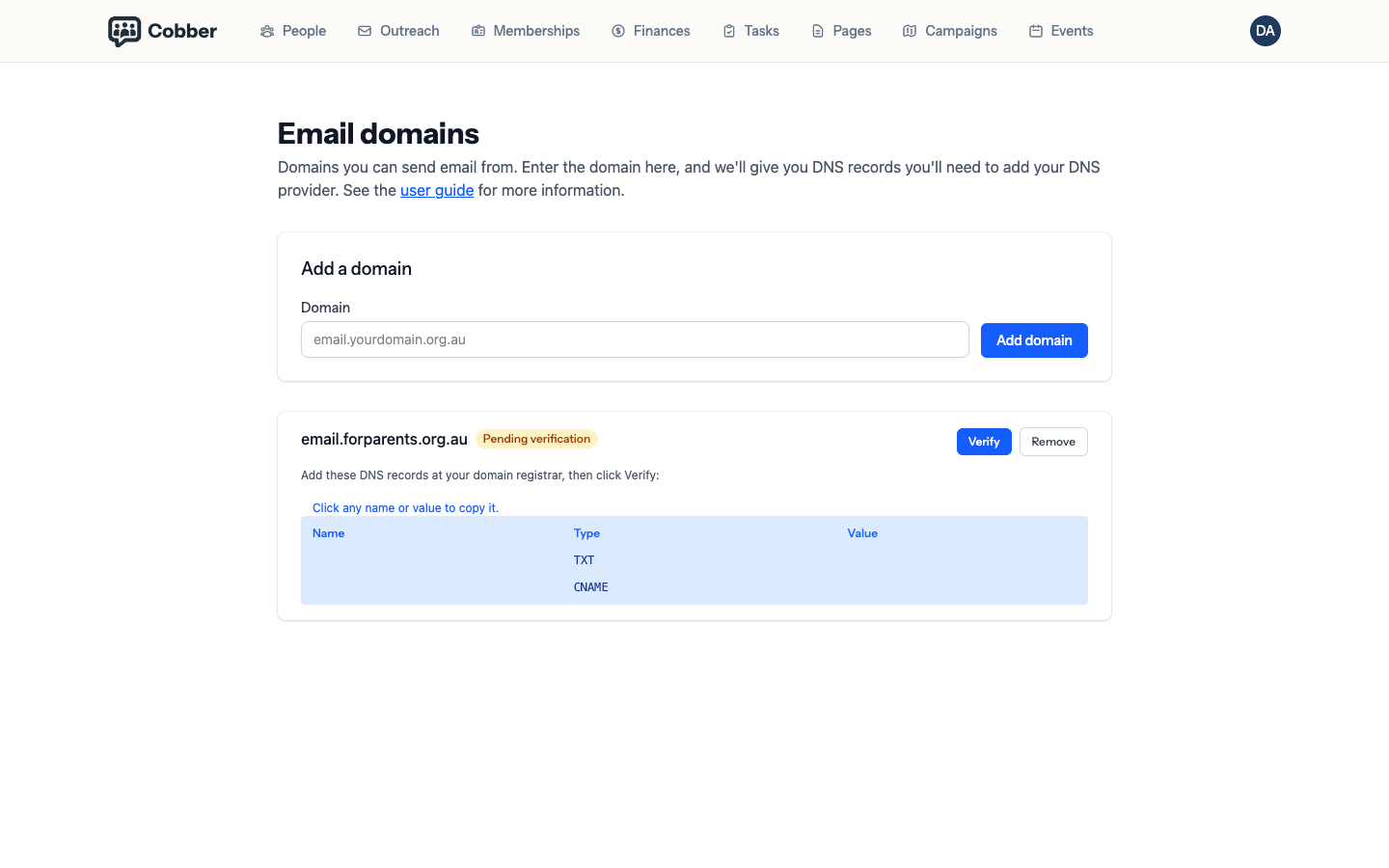
The Email domains page, where each sending domain shows its status. -
Keep sending through your existing system
For as long as you need. There’s no deadline to switch.
-
Move traffic across gradually
Shift campaigns and pages to Cobber at your own pace, and confirm everything looks right.
-
Cut over fully when ready
Point your top-level domain at Cobber and retire the old setup only once you’re confident. Nothing forces this step until you choose it.
Recommended setup
For most organisations transitioning from an existing system, we suggest:
- Build and review your pages on the free Cobber subdomain first.
- Launch on a subdomain of your own domain — keeps your branding, with your main site untouched.
- Authenticate your email domain early, since it’s additive and safe.
- Run both systems in parallel through the overlap, moving campaigns and pages across gradually.
- When you’re confident, move your top-level domain to Cobber and retire the old setup.
Work through each of these on the Go Live page in your dashboard, which guides you step by step.