Inviting your team and setting permissions
Roles decide what someone can do. Divisions decide who they can do it to.
Quick answers
8 questions · click to openWhere do I add someone?
Under Users & Permissions. New User creates the admin and sends them an invitation to set their own password.
I forgot my dashboard password. How do I reset it?
On the dashboard login page choose Forgot password? and enter your email. The link lasts 30 minutes. See Signing in to the dashboard.
What's the difference between a role and a division?
The role decides what someone can do — send campaigns, export people, manage memberships. The division decides which people they can do it to. You need both, and getting the second one wrong is what causes trouble.
Can one person hold more than one role?
Yes, and at different divisions. Someone can be a local organiser in one place and hold a state-level role as well.
Should I set roles up before or after inviting people?
Before. Build the roles first so there's something to assign the moment someone accepts, rather than leaving them logged in with nothing to do.
Someone left. What do I do?
Deactivate the account rather than deleting it. Their history — the campaigns they sent, the tasks they closed — stays attached and honest.
Why can't a new admin see anyone?
Almost always no role assigned yet, or a role assigned at a division with nobody in it. Check the assignment before assuming something is broken.
How do I get notified when someone joins as a member?
State executives with roles in the relevant state are notified automatically. For a national fallback — say, your membership secretary — edit the admin user and turn on Notify of new memberships. That person is only emailed if there is no state executive to notify.
Two separate decisions get made when you add someone: what they can do, and who they can do it to. Cobber keeps them separate on purpose, and most confusion about permissions comes from conflating them.
-
Check your division structure first
Under Users & Permissions, open Political Divisions. You should see your national division, the states under it and the local groups under those. Roles get assigned against these, so they need to be right before anyone is invited.
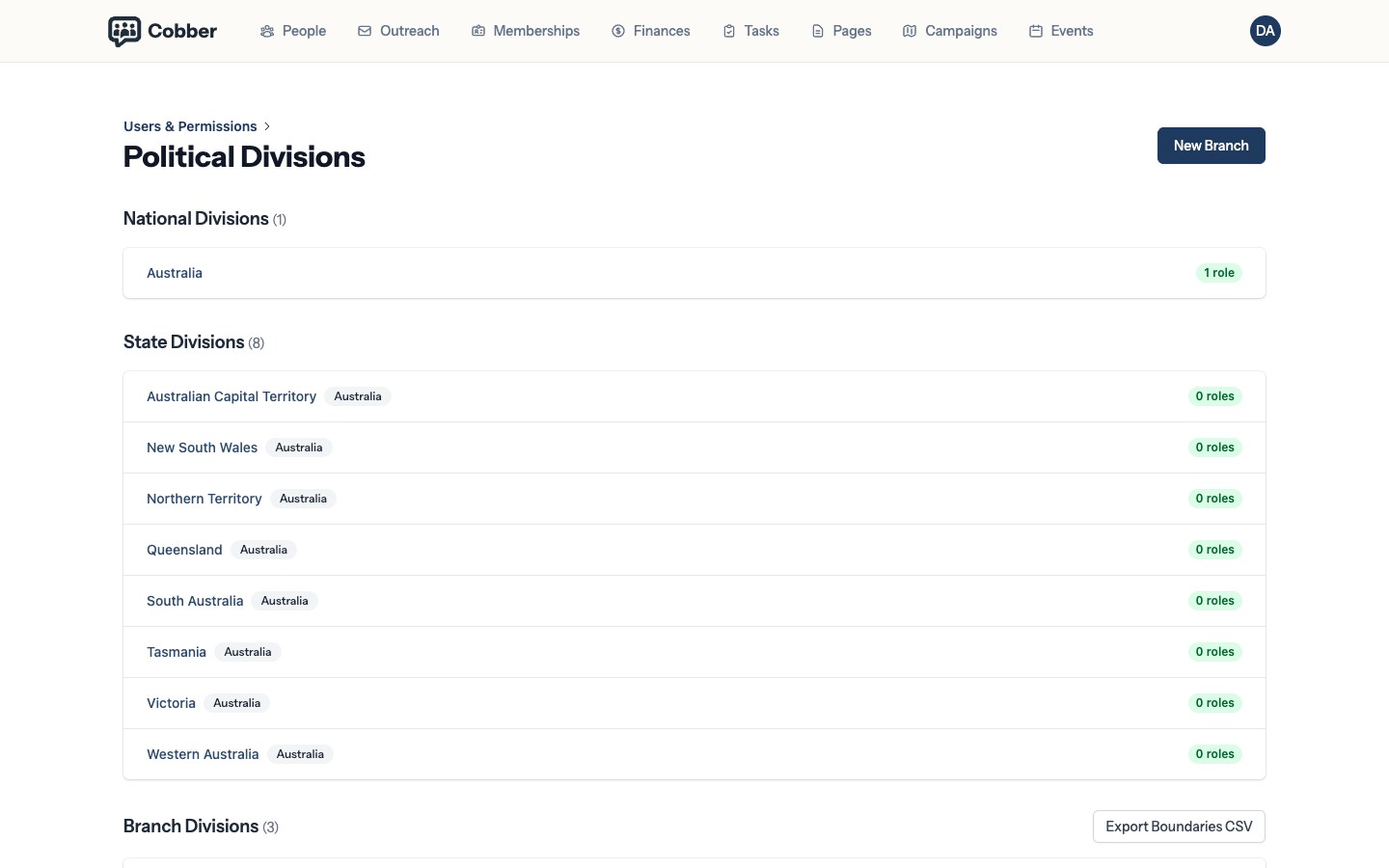
The division structure that roles are assigned against. -
Build the roles you need
Roles holds the named roles and the permissions attached to each. Most organisations need three or four — something like an administrator, an organiser, a treasurer and a local organiser. Resist making one per person.
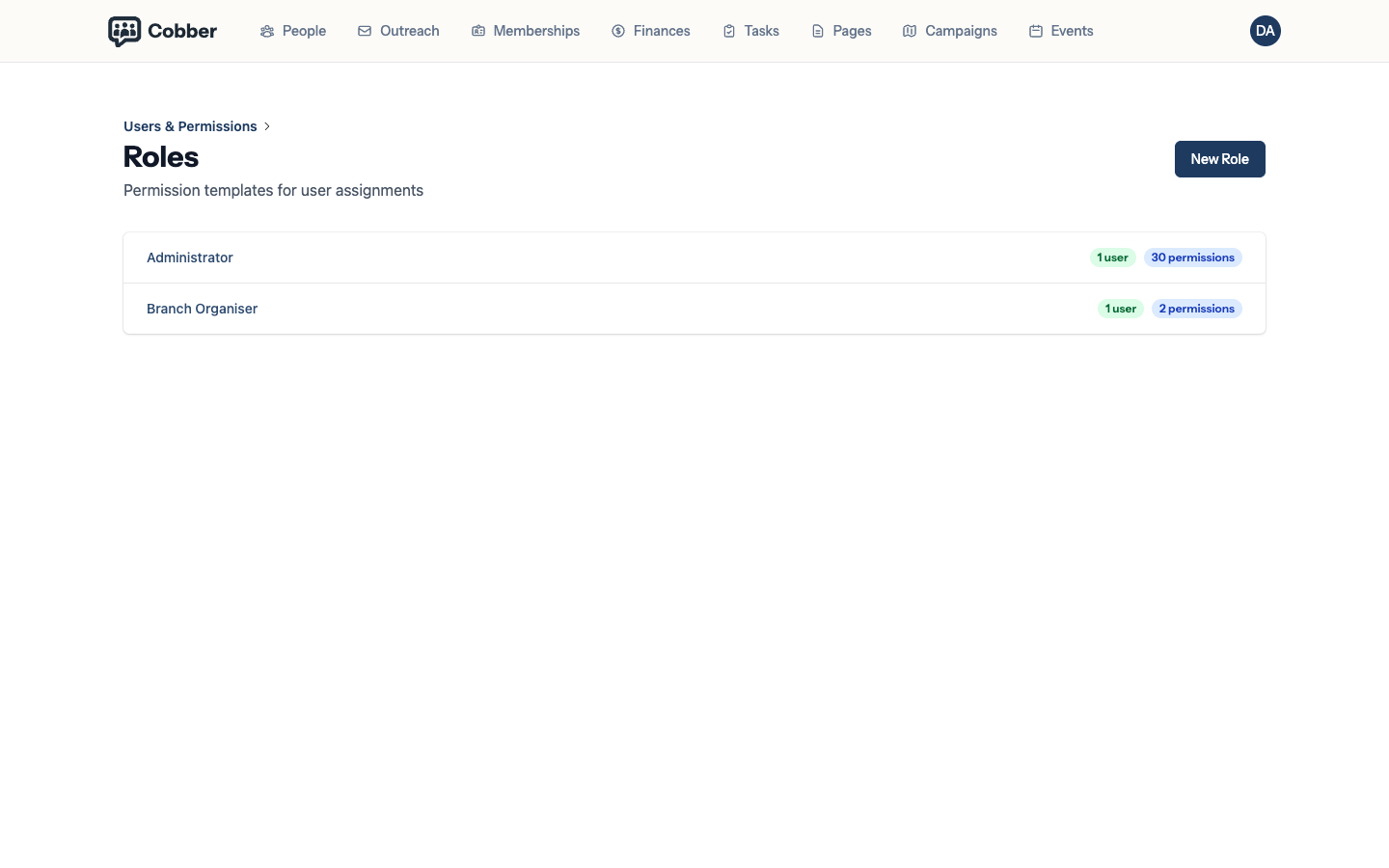
Roles and the permissions attached to them. -
Invite the person
New User creates the admin and emails them an invitation to set their own password. You never handle their password. On the edit screen you can also turn on Notify of new memberships for someone who should hear about new sign-ups when no state executive is available to notify.
-
Assign the role at the right division
Assign a role is where the second decision gets made. A role assigned at local level reaches that local group's people; at state level, that state and everything under it. This is the step to get right — it is far easier than explaining later why someone emailed the whole country.
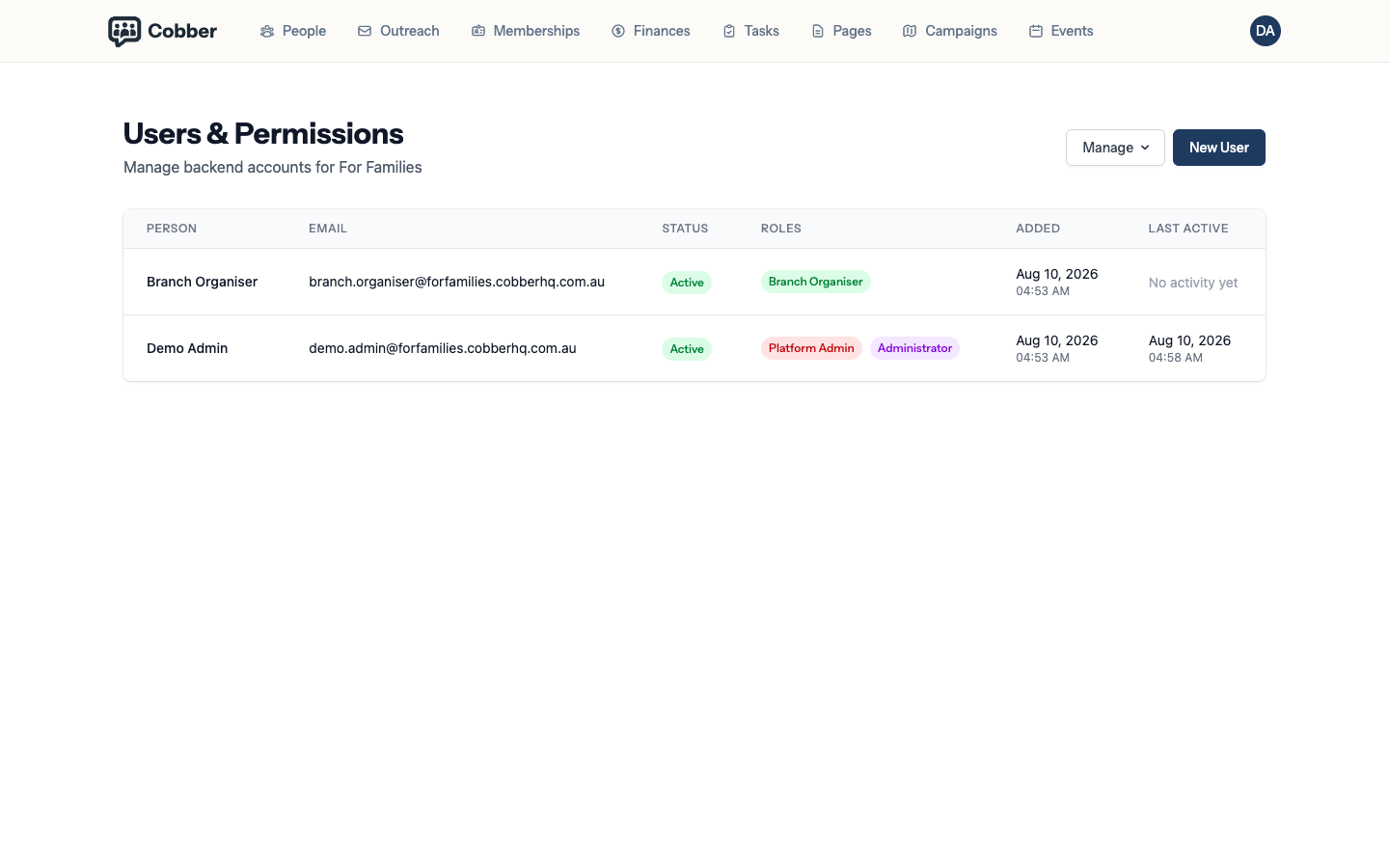
Assigning a role, scoped to a division.
A sensible default
Give people the narrowest role that lets them do their job, and widen it when they ask. That’s not distrust — it’s what makes it safe to hand accounts to volunteers, which is the whole point of having local groups.
When someone leaves
Deactivate rather than delete. Their campaigns, tasks and notes stay attached to their name, which matters when you’re trying to work out who spoke to a member last year.
| Symptom | Cause and fix |
|---|---|
| A new admin logs in and sees nothing | No role assigned, or a role assigned at a division with no people in it. Check the assignment first. |
| They can see people but can't send campaigns | Role has the wrong permissions. That's the role, not the division. |
| They see fewer people than expected | The division is narrower than you meant. Assign the role a level up. |
| The invitation never arrived | Invitations are email, so they depend on a verified sending domain. Check that before resending. |