Navigation and menus
Getting a page into your menu, and putting the important things first.
Quick answers
5 questions · click to openI made a page and it isn't in the menu. Why?
Creating a page and putting it in the menu are two separate jobs. Add it to the navigation for your website and it'll appear.
Where do I edit the menu?
Under the website's navigation settings, not on the page itself. Navigation belongs to the site, not to any one page.
Can different sites have different menus?
Yes. Navigation belongs to a website, so each site you run has its own.
Can I link to something that isn't a Cobber page?
Yes — a menu item can point at any URL, so your old site, a social account or an external petition all work.
How many items should we have?
Fewer than you want to. Every item you add makes the others harder to see, and the ones that matter are usually donate, join and whatever you're campaigning on right now.
Navigation belongs to the website rather than to any individual page, which is why creating a page doesn’t put it in the menu.
Editing the menu
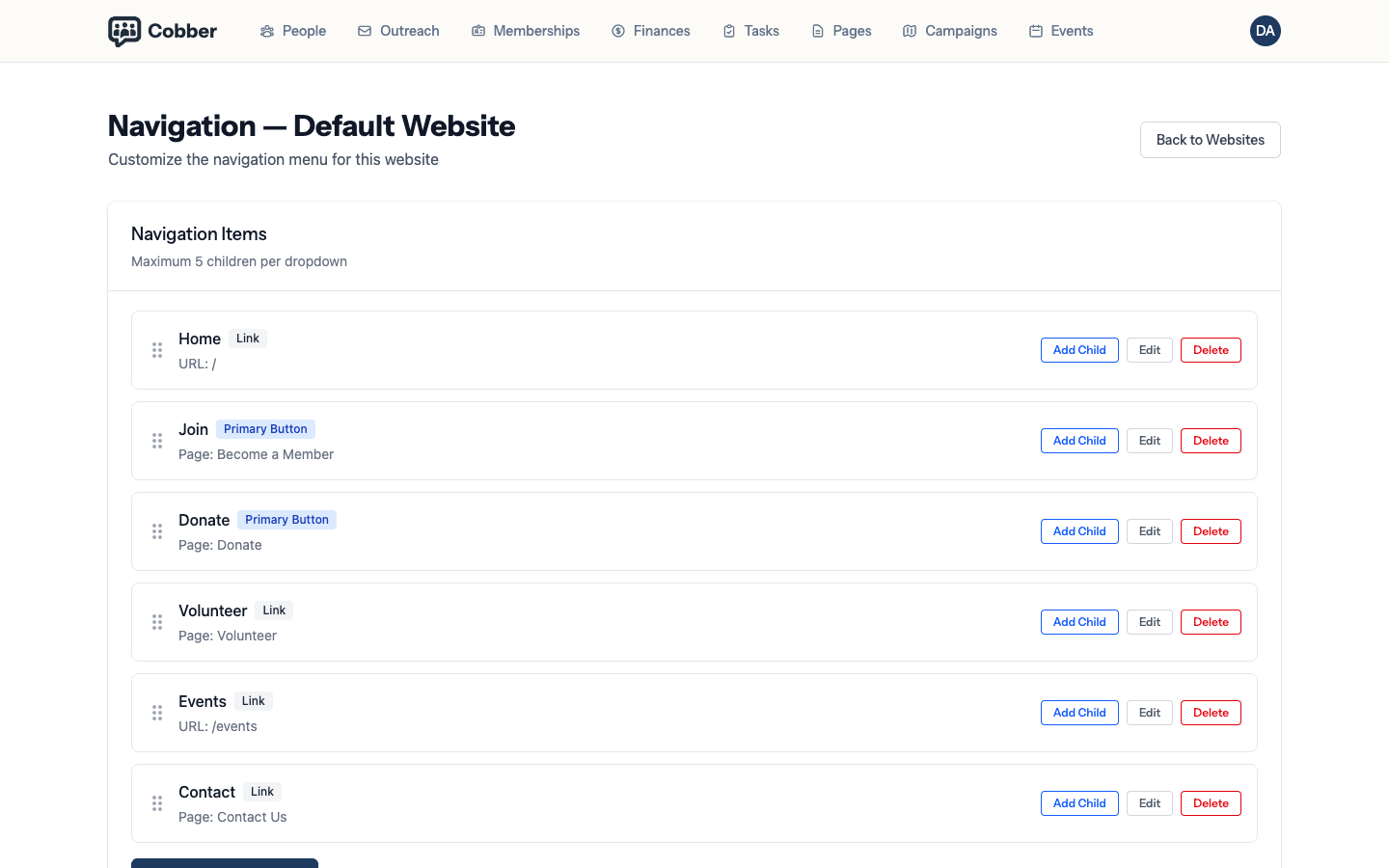
Add an item, point it at a page, and order it. Items can also point at any URL, so you can link out to an old site or a social account while you transition.
Putting the right things first
A supporter scanning your menu is looking for one of about three things. Everything else is noise:
- The current campaign. Whatever you’re actually fighting for right now.
- The way to give. Donate, join, or both.
- The way to get involved. Volunteer, events, contact.
Committee minutes and constitutional documents matter, but they belong in a footer rather than competing with your donate link.
Check it on a phone. Most of your supporters will see this menu on a phone, where a long list collapses into something they have to tap to open. Fewer, clearer items win.