Pages, templates and your homepage
What a page is made of, which parts you can change, and why the type matters.
Quick answers
7 questions · click to openWhat kinds of page can I create?
Home, about, contact, volunteer, petition, contact your MP, signup, membership, donation, survey, events, news and a few more. The type decides what the page can do — a petition page collects signatures, a Contact your MP page looks up a federal MP, a survey page asks questions you define, a donation page takes money.
Can I change a page's type later?
No. The type is fixed when the page is created, because it determines the whole shape of the page. If you picked wrong, create a new one and unpublish the old.
What's the difference between a template and a theme?
The template is the structure of a page type. The theme is the colours, fonts and styling applied across all of them. Change the theme and every page changes.
Does a new page appear on the site straight away?
It has to be published, and it has to be added to your navigation separately — creating a page doesn't put it in the menu.
Do I need to know how to code?
No for ordinary editing. The templating language underneath is Liquid, and there's a full reference if you ever want to go further.
Can different pages use different themes?
Yes. There's a theme override on the page, though most organisations are better off with one consistent look. News articles are the exception — they always follow the theme of the feed they sit in, so there's no theme setting on an individual article.
Why does my news article look different from the rest of the site?
An article wears the theme of the news feed it belongs to, not the theme of your other pages. Open the feed, change its theme, and every article inside it follows — including ones you wrote earlier.
Your public site is a set of pages, each of a particular type, all wearing the same theme. Understanding those three words saves a lot of confusion later.
The three parts
| Part | What it decides |
|---|---|
| Type | What the page does — collect signatures, take a donation, sign someone up. Fixed when you create it. |
| Content | The words, images and settings you edit day to day. |
| Theme | Colours, fonts and styling, shared across every page. |
Creating a page
-
Choose the type carefully
This is the one decision you can't undo. A petition page collects signatures; a donation page takes money; a signup page captures details. Pick the one that matches the action you want.
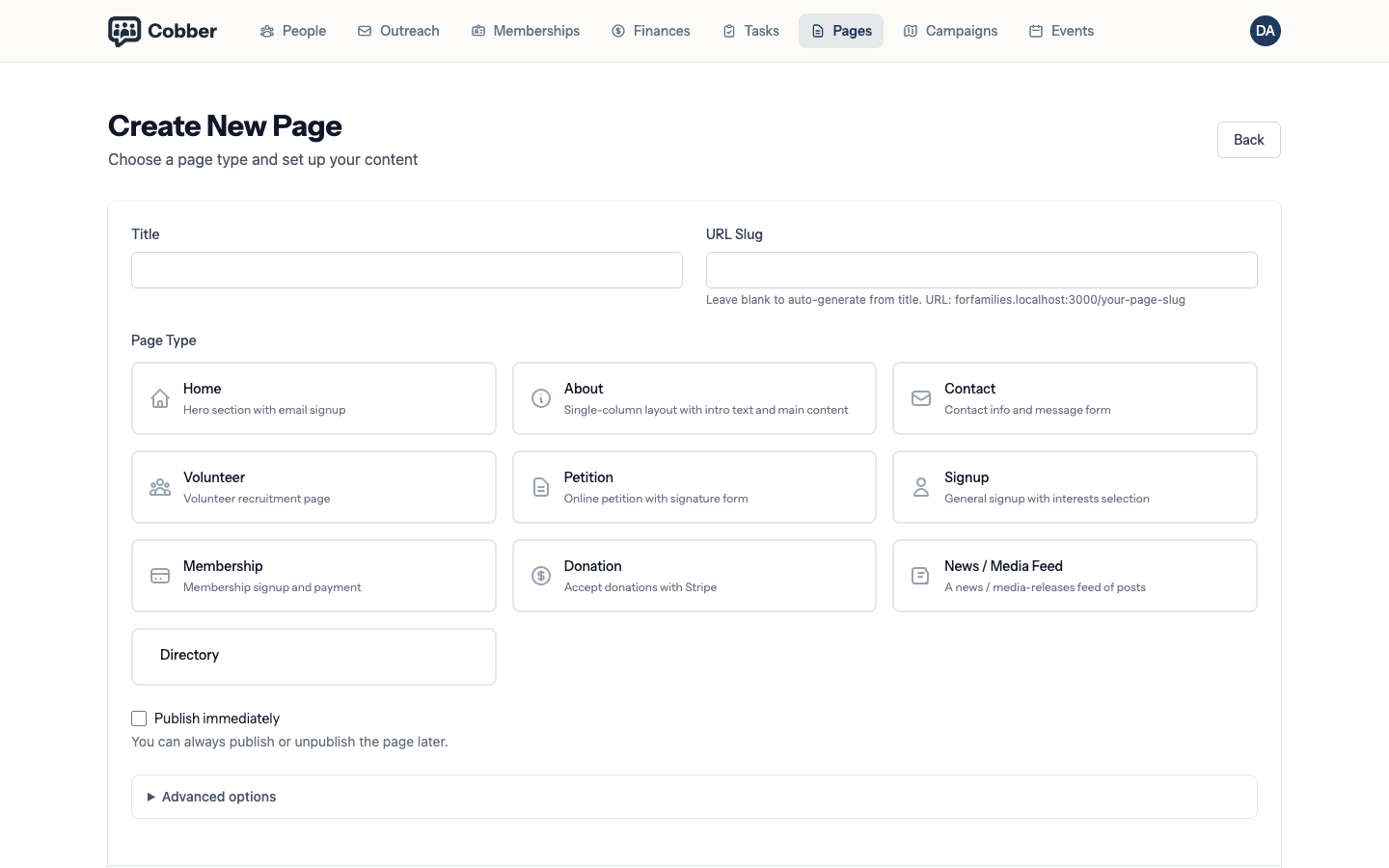
Creating a page and choosing its type. -
Write for the supporter, not the committee
One image, real copy and one clear ask. A page that offers three equally weighted options tends to get none of them taken.
-
Publish it
Pages are drafts until published. A draft page is invisible, which is what you want while you're still writing.
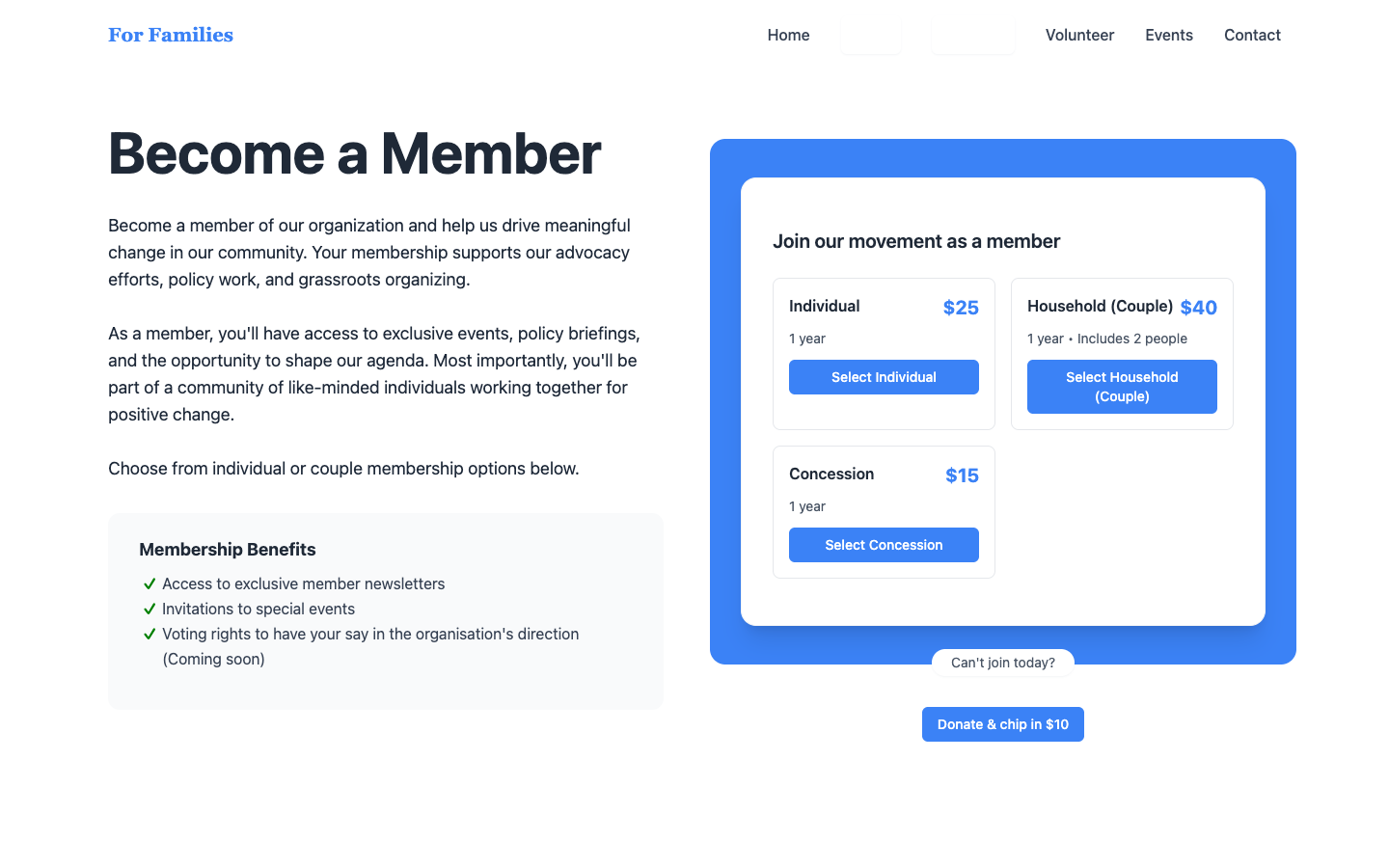
A published page on the public site. -
Add it to your navigation
Separate job, and the one people miss. See navigation and menus.
News feeds and their articles
A news feed is a page like any other, but the articles inside it are not — they’re written from within the feed, and they wear the feed’s theme rather than carrying one of their own. Change the theme on the feed and every article inside it changes with it, including the ones you published months ago.
Your homepage
The home type is the page people land on. It’s worth revisiting every few months — most organisations write it once and never look again, by which point it’s describing a campaign that finished last year.
If you want supporters to email their MP, create a Contact your MP page from Pages → Add new page — it is not on the home page unless you link to it. The default layout puts the title on the left and the composer on the right; change that in the theme if you want. See Contact your MP.
When you need more than the editor
If you want to change the structure of a page rather than its content — move a block, add a section — that’s a template change, and it goes through the CLI. See theme development with the CLI.