Theme basics
Colours, fonts and custom CSS — the parts of your theme you change without touching a template.
Quick answers
5 questions · click to openWhere do I change our colours?
Under Settings → Themes → Editor. Colours, fonts and custom CSS are theme configuration, held in the dashboard rather than in template files.
Do I need a developer to change a colour?
No. Colours and fonts are dashboard settings. You only need the CLI and a developer when you want to change the HTML structure of a page.
Can we have more than one theme?
Yes. An organisation can have several. Individual pages can be assigned to different themes, or the whole site can use one active theme.
Does changing a colour go live straight away?
Yes. Colours, fonts and custom CSS save live — they are not part of a draft. Template edits are different: they go to a draft and only reach visitors when someone clicks Publish. Both kinds of change are listed on the theme's History page with who made them.
Can I edit templates in the browser?
Yes — Edit theme on the theme page opens the editor. Saves go to the theme's draft, not the live site; click Review & publish when you want them live.
A theme is two things: configuration you edit in the dashboard, and templates that control the HTML. This page is about the first. For the second, see theme development with the CLI.
What lives in the dashboard
Theme configuration — the primary colour, fonts and any custom CSS — is not stored in template files. Edit it under Settings → Themes → Editor. Templates read those values through CSS variables, which is why a colour change ripples across every page without anyone editing HTML.
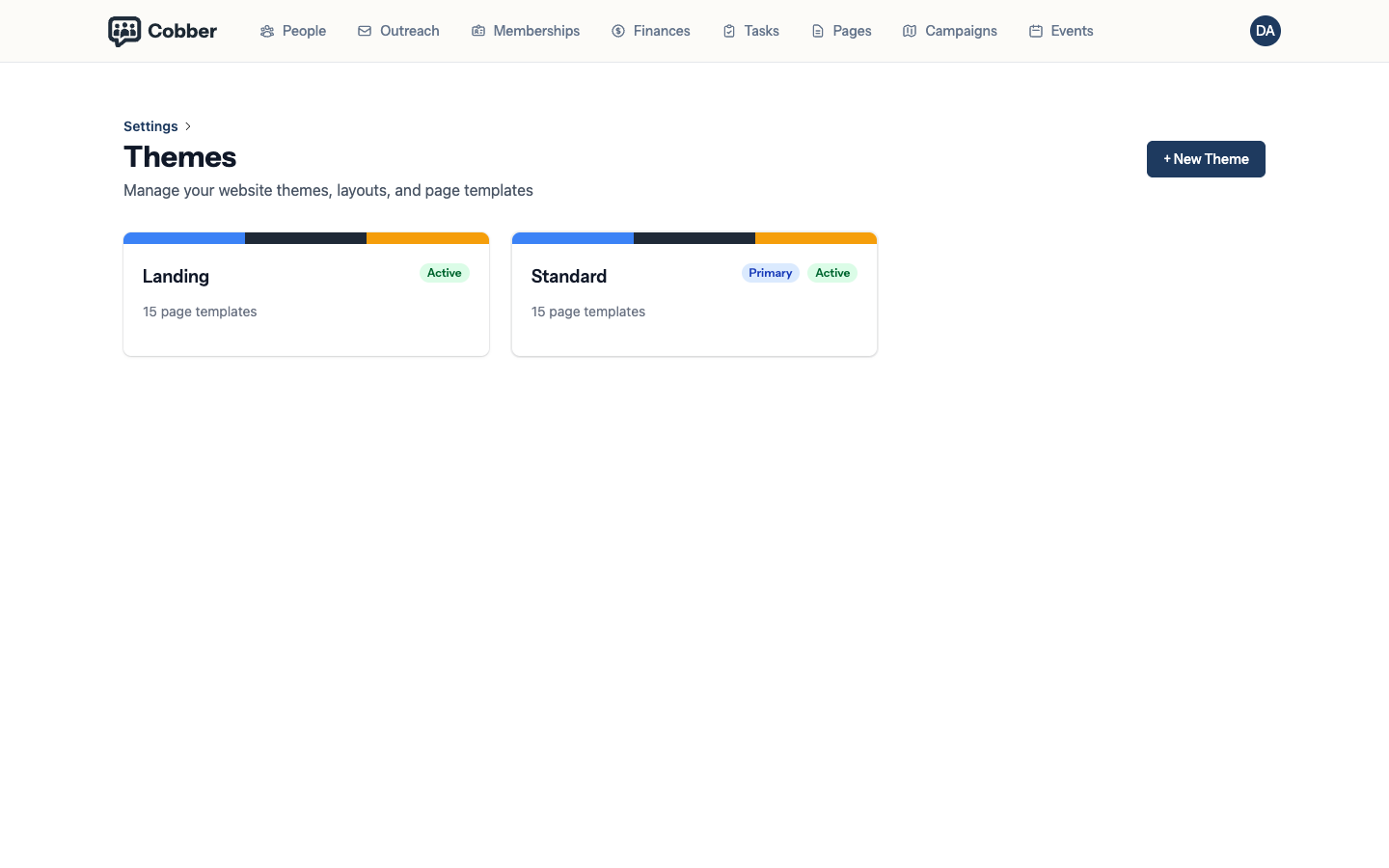
Colour, font and custom CSS changes save live — they are not part of a draft, and visitors see them straight away. Template changes are different: Edit theme opens the in-browser editor on a draft, and nothing reaches visitors until someone clicks Review & publish. Either way, the change is on the record: the theme’s History page lists every publish and every live save, with who made it and a diff. See theme development for publishing, history and restoring earlier versions.
Colours and fonts
Set your primary colour and your fonts once and they apply everywhere — every page, every form, every public-facing screen. That is the point of holding them in the theme rather than on each page.
Pick colours that work as backgrounds for white text, because that is where your primary colour usually ends up: buttons, headers and banners. A colour that looks good as text is often unreadable behind it.
Custom CSS
For anything the settings do not cover, a theme can carry custom CSS. Use it sparingly — every rule you add is a rule someone has to understand later, and most of what people reach for it to do is better handled by the settings above.
Running more than one theme
An organisation can have several themes. Individual pages can be assigned to different themes, or the entire site can use a single active theme.
When you need a developer
If you want to change the structure of a page rather than its colours — moving a block, adding a section, changing the markup — that’s a template change, and it goes through the CLI workflow. See theme development with the CLI.