Why an email didn’t send
Bounces, unsubscribes, unverified domains and division scoping — the four reasons a send comes up short.
Quick answers
5 questions · click to openCan I un-send a campaign?
No. Once a send starts it can’t be recalled. A scheduled campaign is different — you can cancel it any time before its send time.
Why did fewer people get it than the audience showed?
The audience count includes people who are unsubscribed or have hard-bounced before. Both are skipped when the send actually runs, so Recipients is usually a little lower than Audience.
It says “Sender not verified”. What now?
The domain your from address uses isn’t verified with Postmark yet. Open Email Configuration and verify the domain under Email Streams and Domains. Nothing sends from that address until it’s.
It’s been ten minutes and it still says sending. Is it stuck?
Probably not. Campaigns go out in batches with a short gap between each one, so a list of several thousand takes a while to work through. The Recipients count climbs as it goes.
Does a test email count towards the send?
No. Send Test Email goes only to you, and isn’t recorded against the campaign or its analytics.
A send that comes up short is unnerving mid-campaign — and the cause is rarely obvious from the campaign screen. Work down these checks in order; the first two explain most of them.
Work out what happened
-
Open the campaign and check its status
Go to Outreach and open the campaign. A campaign is in one of five states: draft, scheduled, sending, sent or cancelled. One still sitting in draft never went anywhere.
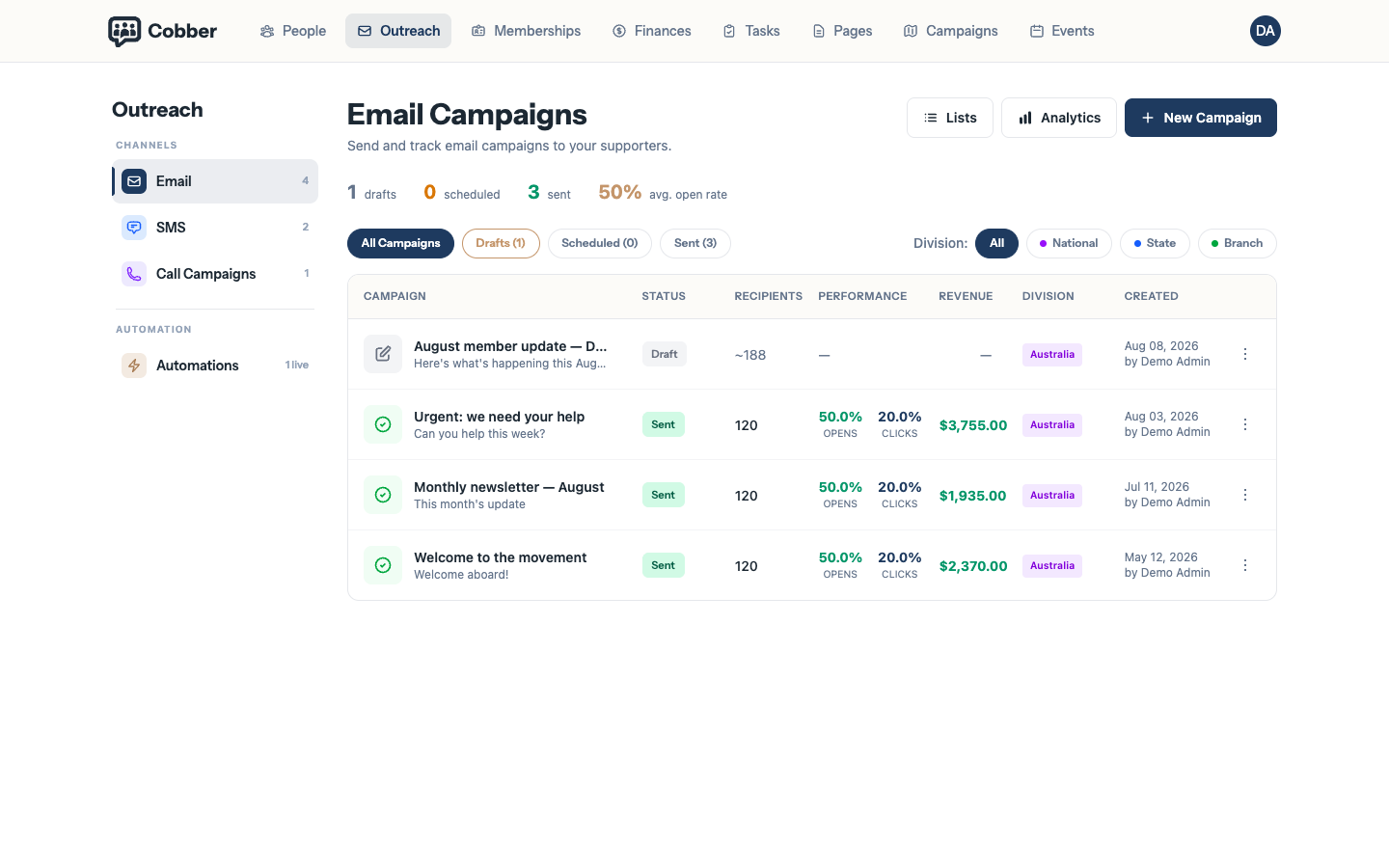
The campaign list, with the status beside each campaign name. -
Compare Recipients against Audience
Audience is who matched your filters when the list was built. Recipients is who was actually emailed. A gap between the two is normal, and is nearly always unsubscribes and hard bounces.
-
Check the sending domain is verified
An unverified domain blocks the whole send, and you see Sender not verified on the campaign itself rather than an error in your inbox. Open Email Configuration and check the domain under Email Streams & Domains. The warning also lists which domains you do have verified, so the quickest fix is often to send from one of those instead.
-
Check who your audience actually covers
If your role sits at local level, your audience only ever includes people in your own electorates — even when the filter looks organisation-wide. A state organiser and a local organiser building the same list will get different numbers, and that’s working as intended.
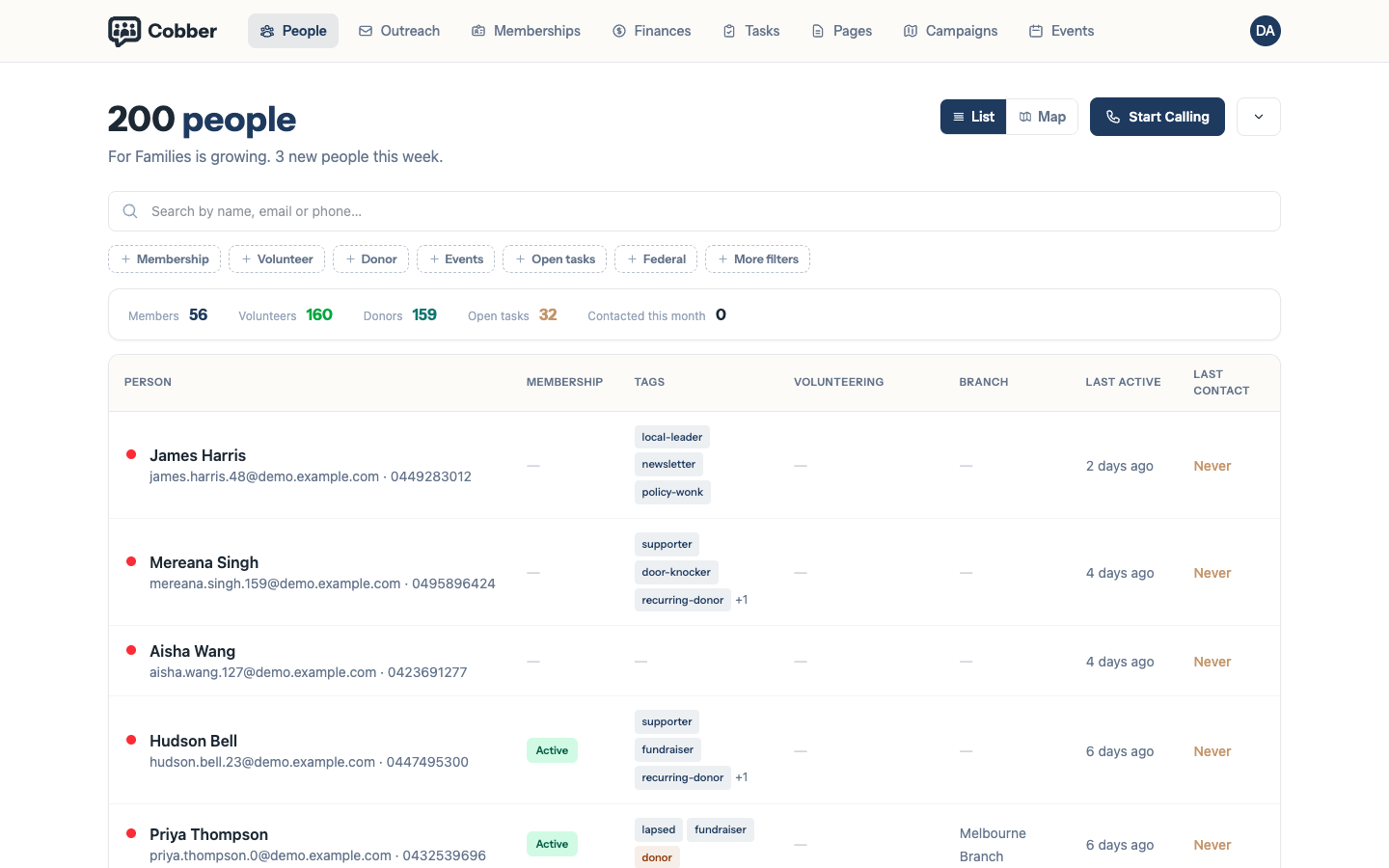
The audience builder, with the division scope note under the count. -
Look up one person who missed out
Open them under People and check their email preferences and their bounce history. Preferences are per category, so someone who has opted out of one kind of email still receives the others.
Merge fields and fallbacks
A missing first name won’t stop a send, but it will produce an awkward greeting. Give every merge field a fallback:
Hi {{ person.first_name | default: "there" }},

Thanks for backing the campaign in {{ person.federal_electorate }}.
Check the result against a real person with Send Test Email before the campaign
goes out. The full list of available fields is in the
Liquid reference.
Before you resend. Check the audience first. A resend to the same list means everyone who did receive it gets it twice — the fastest way to earn unsubscribes.
| Symptom | Cause and fix |
|---|---|
| "Sender not verified" and nothing sends | The domain your from address uses isn’t verified with Postmark. Verify it under Email Configuration, or send from a domain that’s already verified — the warning lists them. |
| A local organiser sees a smaller count than head office | Division scoping. A local role only reaches people in that local group’s electorates. Someone with a state or national role has to build the list if it needs to go wider. |
| People in the list have no email address | They stay in the list and are skipped at send time. Find them under Data Quality and fix the records. |
| Someone who wants the emails isn’t getting them | Check for a hard bounce on their record. A hard bounce excludes them until the address is corrected — resending won’t clear it. |
| The send finished far quicker than expected | Check Recipients, not Audience. A small recipient count on a large list usually means the filter was narrower than intended. |